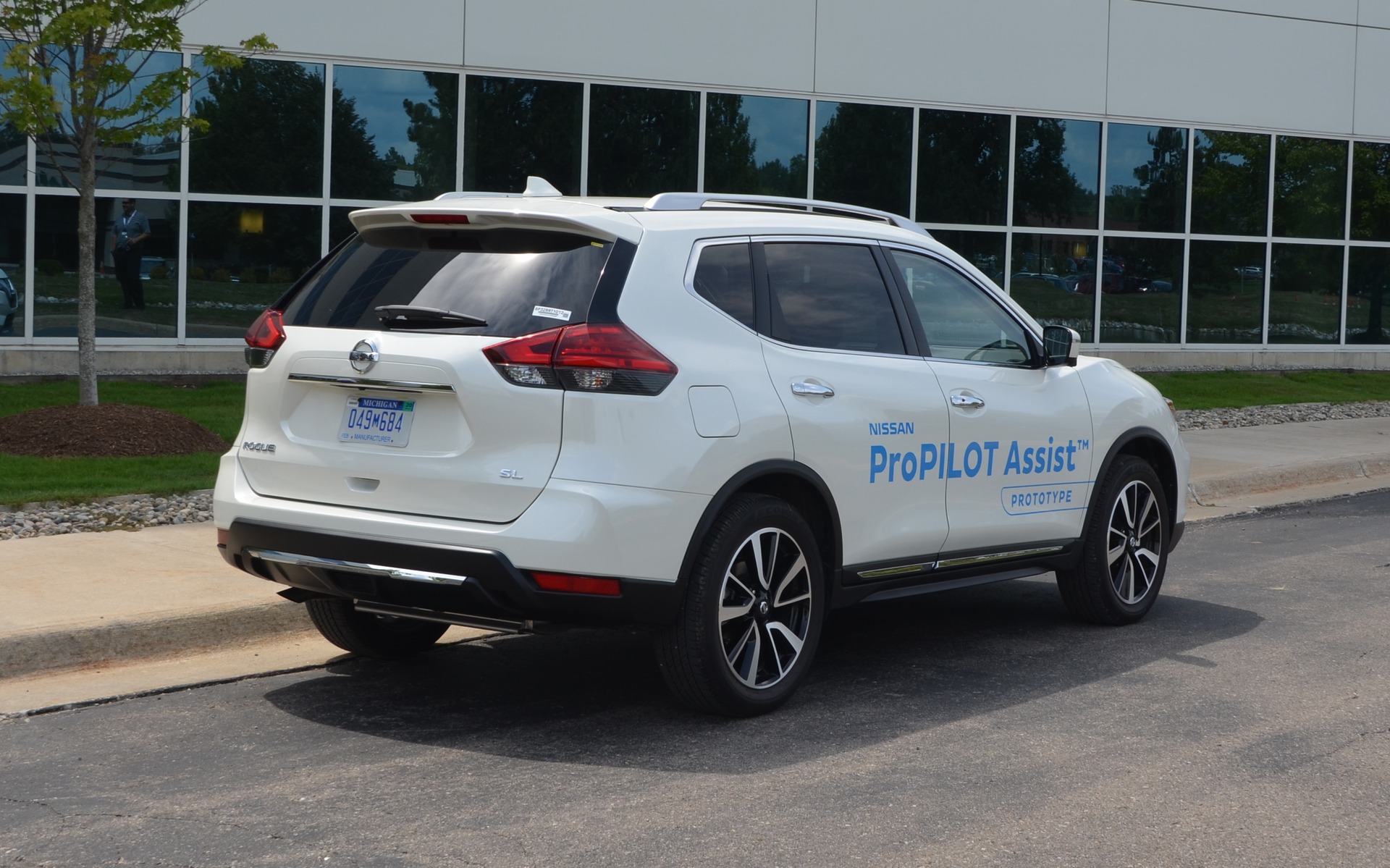
Nissan ProPILOT Assist: Following the Semi-autonomous Parade… From a Distance
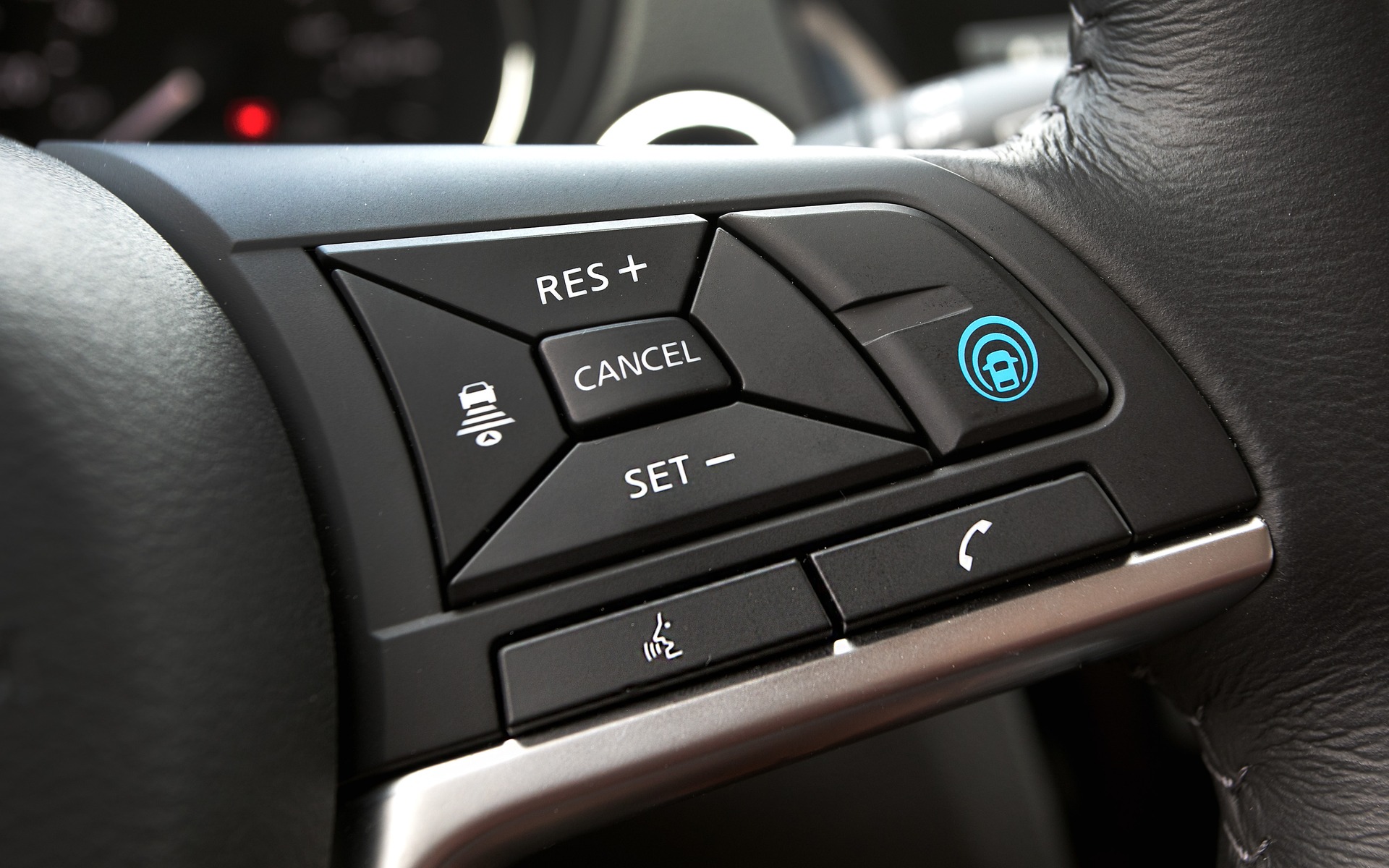

To activate the ProPILOT Assist system, the blue button must be pressed. And while driving at a speed of between 32 and 145 km/h, the driver can simply press the SET button to set the desired cruising speed.
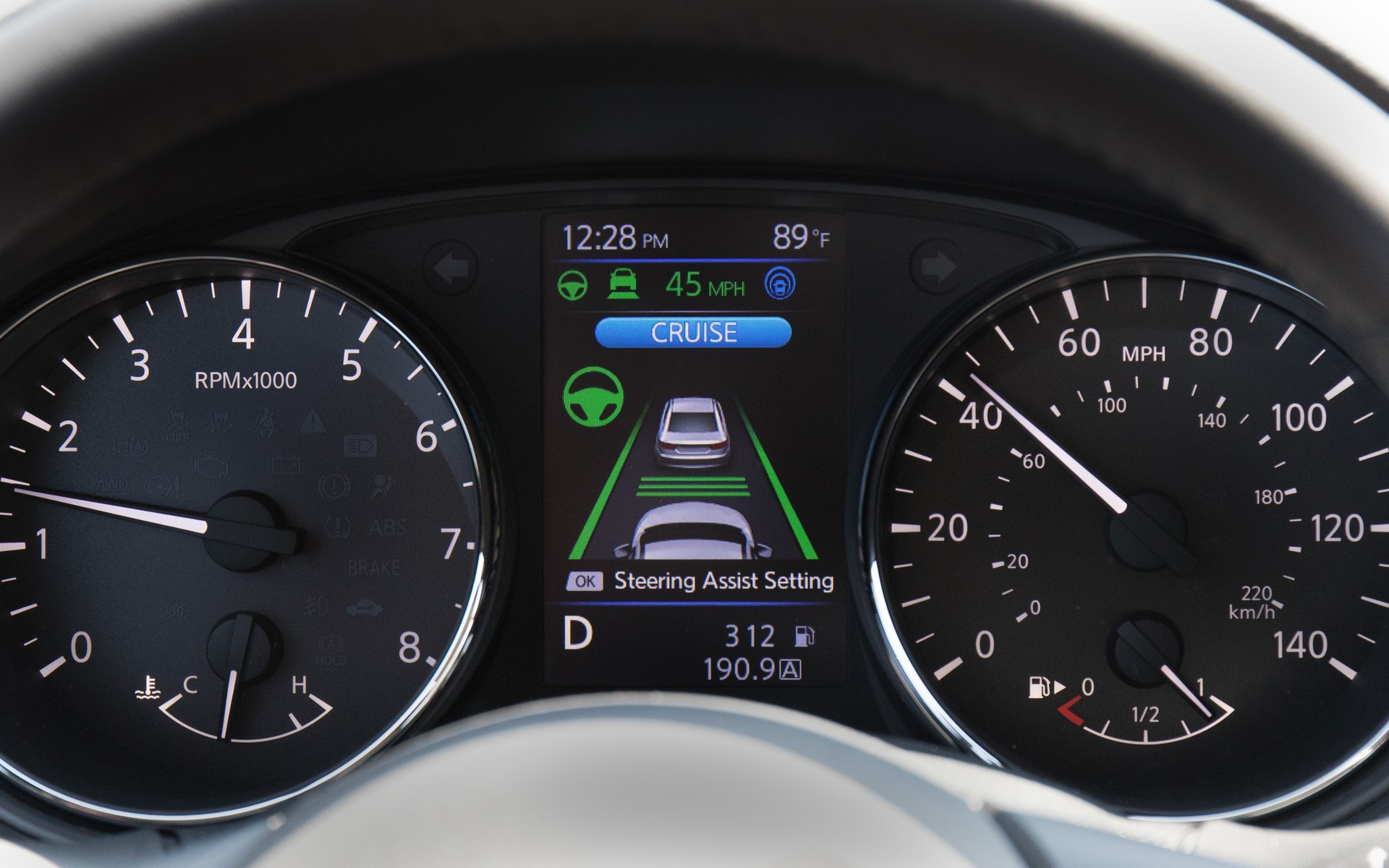
In the situation illustrated by this picture, the ProPilot Assist system is activated. The intelligent cruise control is operating, as indicated by the blue CRUISE display. The Steering Assist system is also on, according to the two vertical green bars. The three horizontal green bars indicate that the driver chose the maximum distance to follow the vehicle in front.
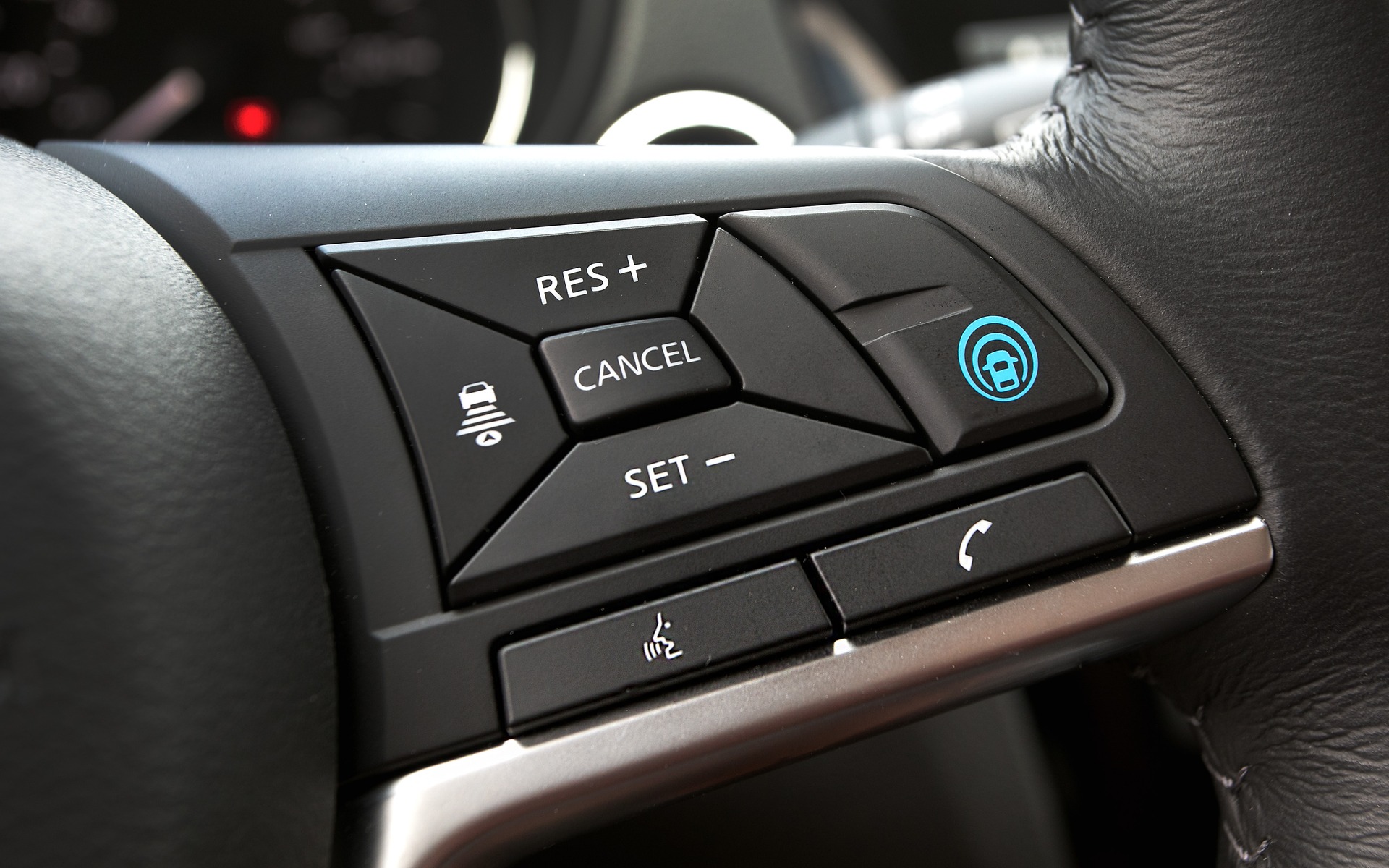
To activate the ProPILOT Assist system, the blue button must be pressed. And while driving at a speed of between 32 and 145 km/h, the driver can simply press the SET button to set the desired cruising speed.
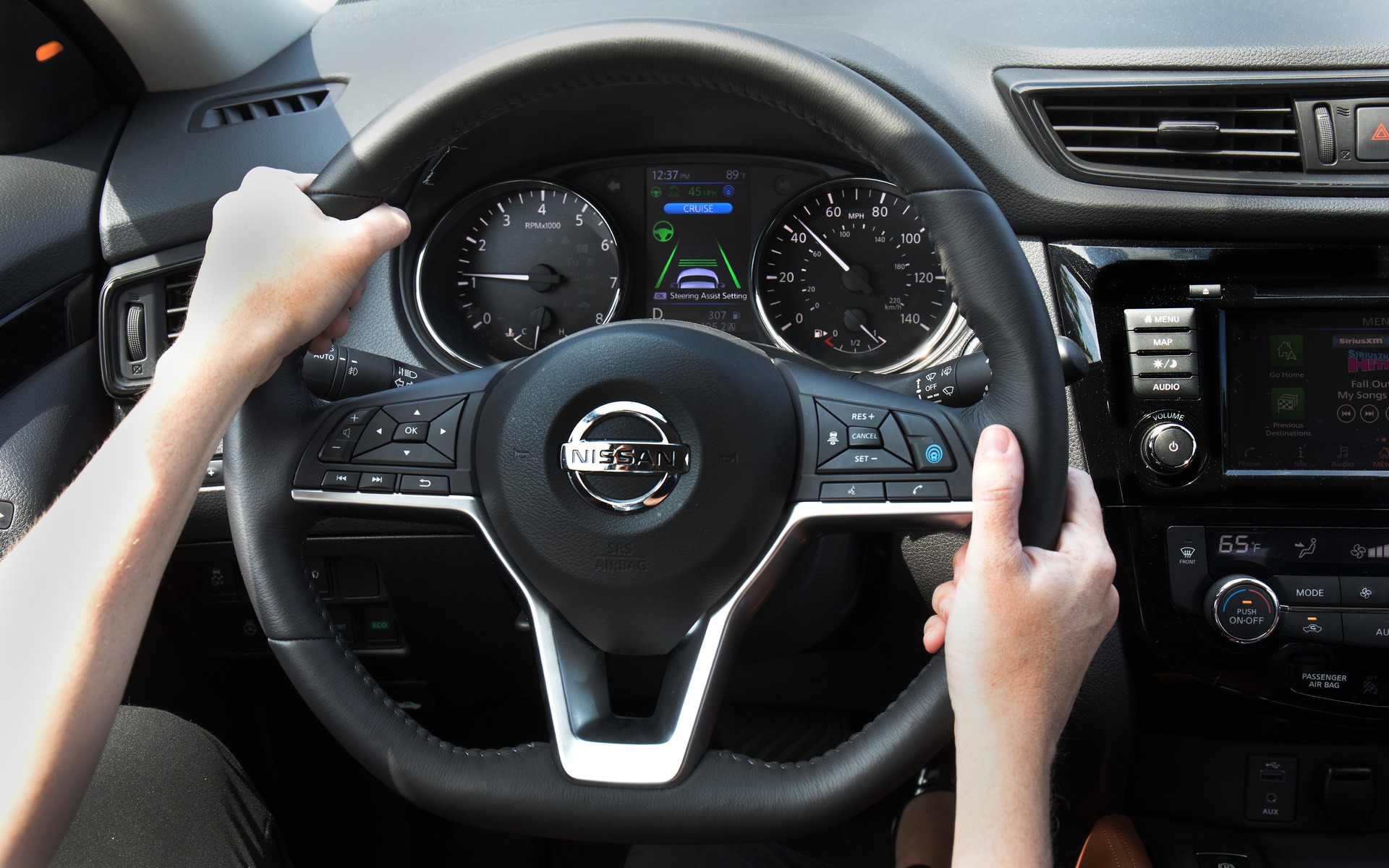
If this person lets go of the steering wheel for more than a few seconds, the green steering wheel on the display screen will turn red, and then start blinking before an audible signal will be heard.
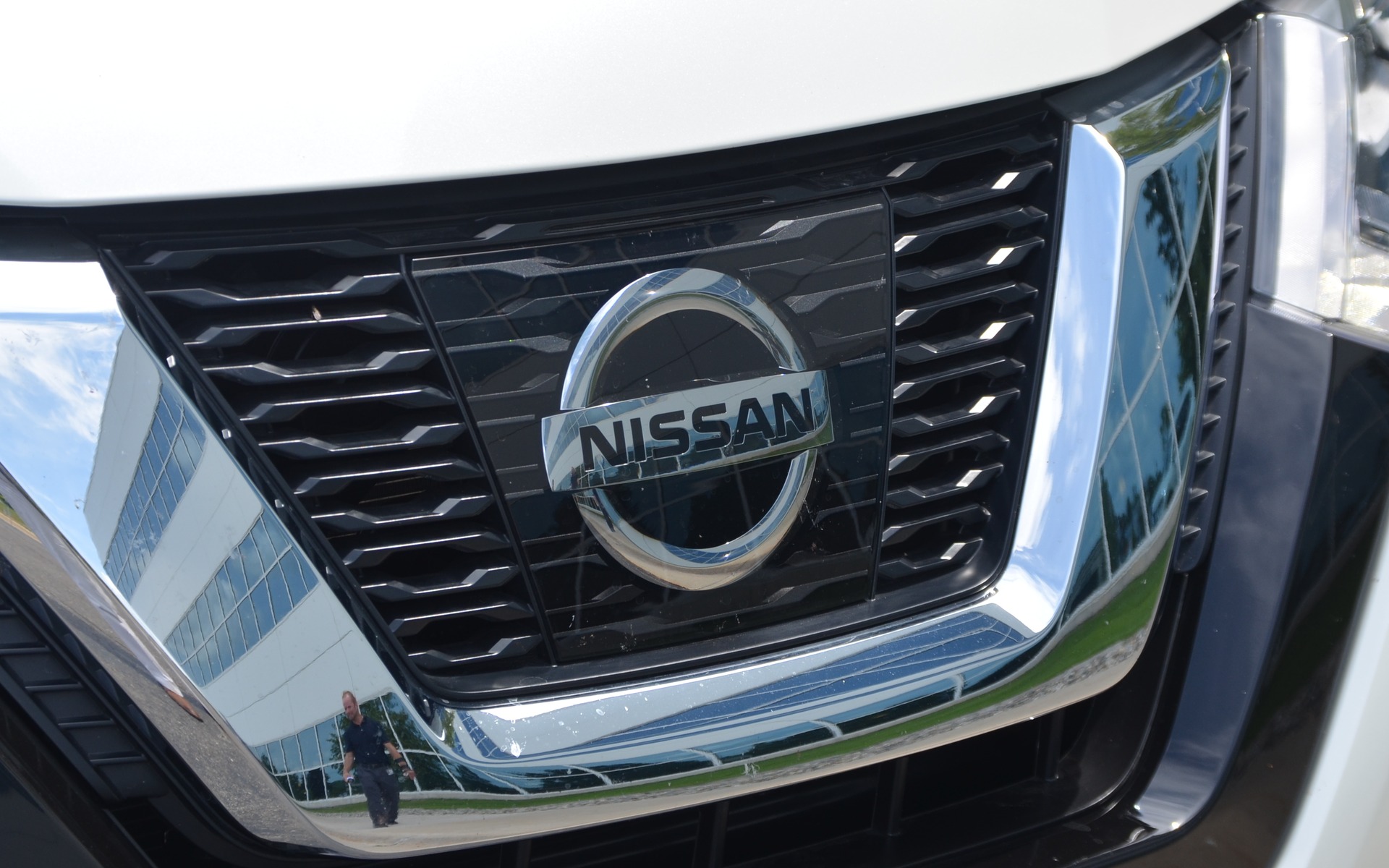
Behind this piece of transparent plastic is the radar that drives the intelligent cruise control system.
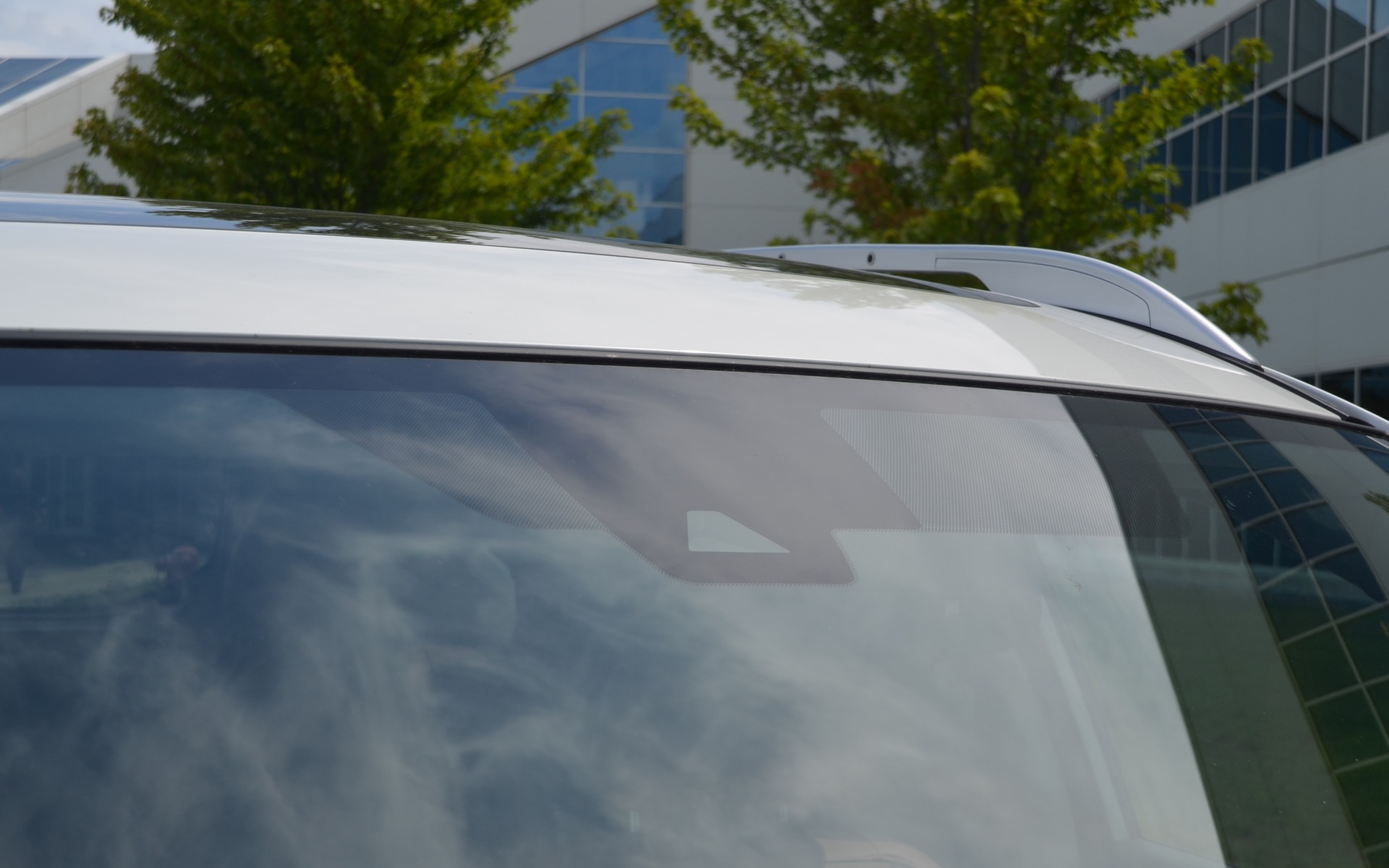
Behind this triangle is a camera that allows the vehicle to stay between the road lines.
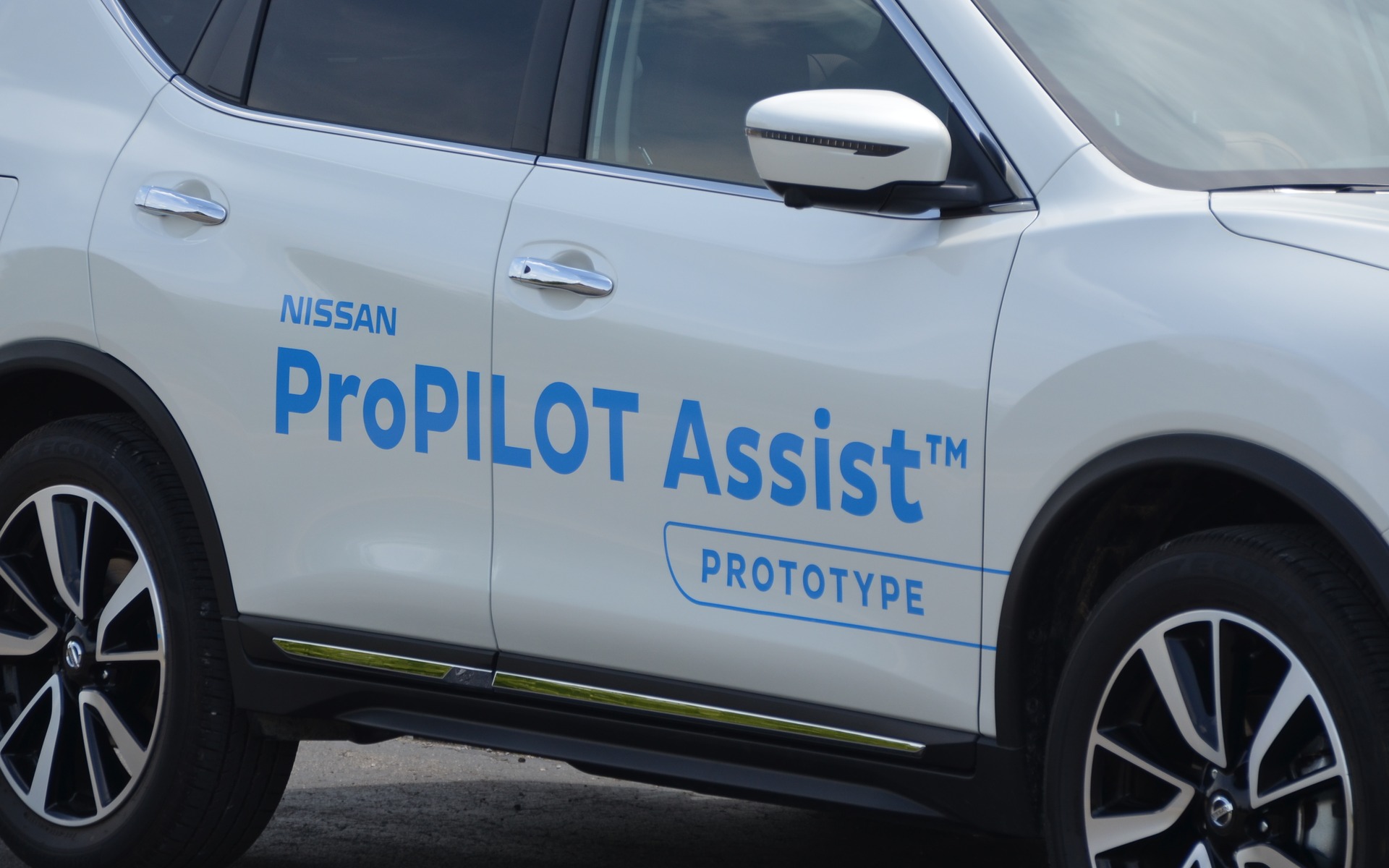
The Nissan LEAFs that will be equipped with ProPilot Assist will likely not be so bold in promoting the system!